WhatsApp Automation for Business: The Complete Buyer's Guide
WhatsApp Automation for Business: The Complete Buyer's Guide
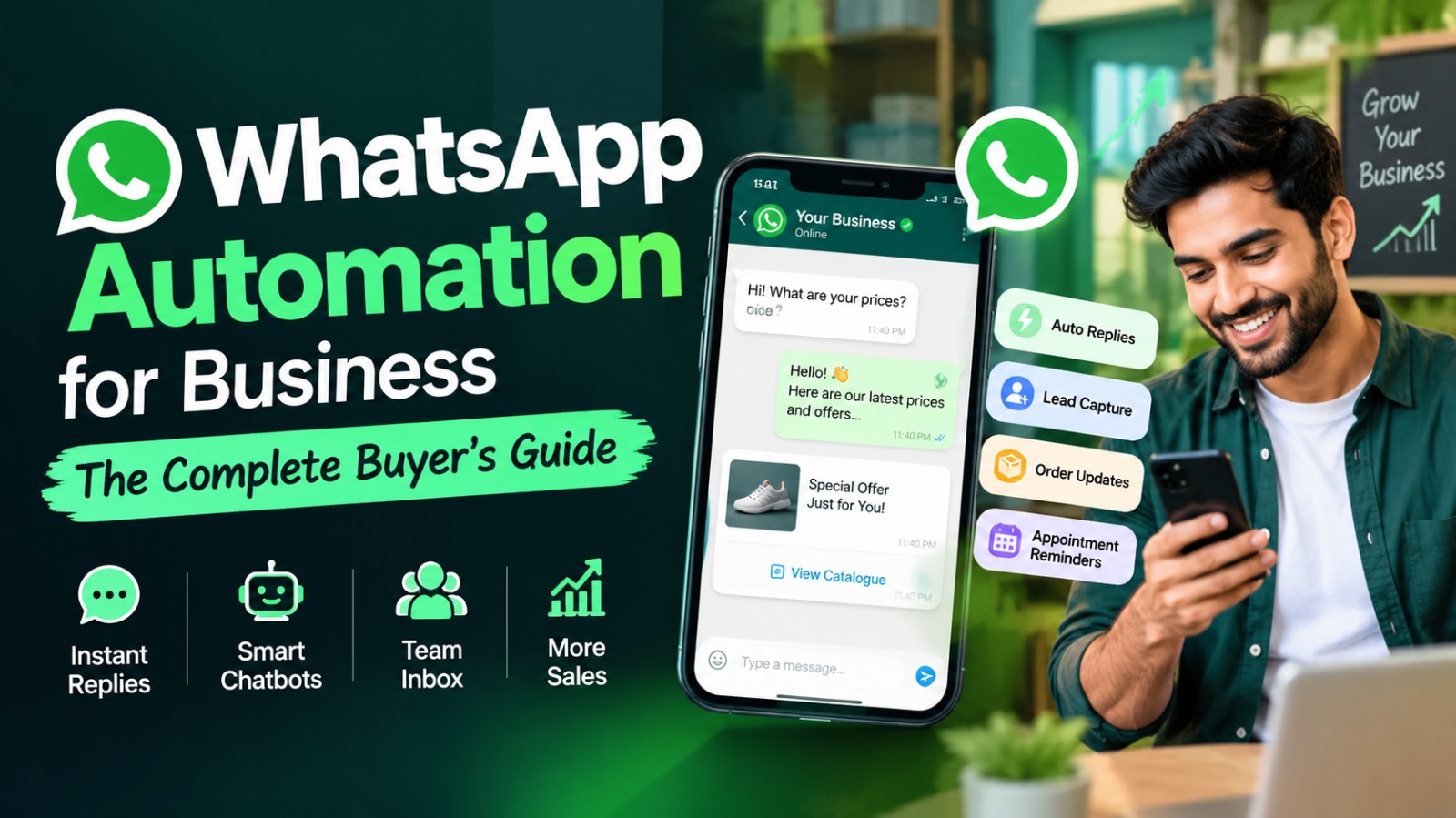
It's 11:40 pm. A customer who found your shop on Instagram sends one message: "Price?" Nobody replies until the next morning. By then, he has already ordered from a competitor who answered in two minutes.
This happens to small and mid-sized businesses every single day. You are not losing customers because your product is bad. You are losing them because WhatsApp is where your customers live, and you can't be awake 24 hours a day.
That is exactly the problem WhatsApp automation for business solves. If you are here, you are probably past the "what is this?" stage and into the "which one should I buy?" stage. Good. This guide is written for you.
What Does WhatsApp Automation Actually Mean?
Let's keep it simple. WhatsApp automation means your business replies, follows up and sends updates on WhatsApp without someone typing every message by hand.
A customer asks about your timings, and the reply goes out instantly. A new lead fills a form on your website, and a welcome message lands on their phone within seconds. An order ships, and the tracking link reaches the buyer without anyone on your team lifting a finger.
It is not about replacing your team. It is about taking the boring, repetitive 80% of messages off their plate, so they can spend their time on conversations that actually close sales.
WhatsApp Business App vs WhatsApp Business API: Know the Difference Before You Pay
This is where most buyers get confused, so read this part carefully.
The WhatsApp Business App is the free app you can download on your phone. It gives you a business profile, a catalogue, quick replies and a basic away message. For a very small shop with a handful of chats a day, it works fine. But it has limits. It is meant for one phone, a few devices at most, and it cannot handle serious automation or large-scale messaging.
The WhatsApp Business API is what growing businesses actually need. It is not an app you download. It is access to WhatsApp that you get through an approved provider (called a Business Solution Provider, or BSP). Once connected, you can run chatbots, send bulk notifications to customers who have opted in, connect WhatsApp to your CRM, and let multiple team members handle chats from one shared inbox.
A simple rule: if you are handling more than a few dozen conversations a day, running ads that send traffic to WhatsApp, or you want automated flows, you need the API. The free app will start to feel like a bottleneck very quickly.
Where WhatsApp Automation Pays Off (Real Use Cases)
Before you compare tools, be clear on what you want to automate. Here are the use cases that give businesses the fastest return.
Lead capture and qualification. Someone clicks your Facebook or Instagram ad and lands on WhatsApp. A bot can ask two or three quick questions (what they need, their budget, their city) and pass only the serious leads to your sales team. This alone saves hours every week.
Instant replies to common questions. Pricing, location, delivery time, return policy. If you answer the same ten questions fifty times a month, a bot should be doing it.
Order and appointment updates. Confirmations, reminders and delivery updates reduce "where is my order?" calls. For clinics, salons and service businesses, appointment reminders also cut down no-shows.
Abandoned cart and follow-up messages. A gentle nudge on WhatsApp often gets more attention than an email sitting unread in the promotions tab.
Payment reminders. For B2B businesses and service providers, polite automated reminders save you the awkwardness of chasing payments personally.
After-sales support and feedback. Ask for a review a few days after delivery. Customers are far more likely to reply on WhatsApp than to fill out a long form.
9 Things to Check Before You Buy a WhatsApp Automation Tool
This is the section that will save you money. When you are comparing providers, go through this list.
1. Is it an official WhatsApp Business API provider? Some cheap tools use unofficial methods that can get your number banned. Always ask whether the provider is an approved Meta partner. Losing your business number is a nightmare you don't want.
2. Can it build chatbots without coding? A visual flow builder lets your own team update replies without calling a developer every time something changes.
3. Does it have a shared team inbox? Automation should handle the simple chats and hand over the complex ones to a human smoothly. Check that your team can see the full chat history and pick up where the bot left off.
4. Does it connect with your existing tools? Your CRM, Google Sheets, Shopify or WooCommerce store, payment gateway and website forms. If the tool lives in isolation, you will end up copying data by hand, which defeats the purpose.
5. Can you send broadcast campaigns the right way? Good tools let you segment your audience and use approved message templates. They should also respect opt-ins, because messaging people who never agreed is the fastest way to hurt your quality rating.
6. How clear is the reporting? You should be able to see delivery, read rates, replies and which campaigns bring in actual sales. If reports are vague, you can't improve.
7. Is the pricing transparent? We will cover this in detail below, but watch out for hidden setup fees and "per agent" charges that quietly double your bill.
8. What does onboarding look like? Getting your business verified and your templates approved takes some back-and-forth with Meta. A good provider guides you through it instead of sending you a PDF and disappearing.
9. Is support available when you need it? Test this before you sign up. Send a question and see how fast they reply. It tells you a lot about how they will treat you later.
Understanding WhatsApp Automation Pricing
Pricing confuses a lot of first-time buyers, so here is the honest picture.
Your total cost usually has two parts. The first is the provider's platform fee , which is typically a monthly or yearly subscription depending on features and the number of team members. The second is the message charges set by Meta , which depend on the type of message you send (marketing, utility, authentication or service) and the country you are messaging.
Meta has changed how it charges for messages over the past few years, and it can change again. So instead of trusting any number you read in a blog (including this one), ask your provider for a current, written breakdown. A trustworthy provider will happily show you what part of your bill goes to them and what part goes to Meta.
One more tip: don't pick on price alone. A tool that is a few hundred rupees cheaper but has no CRM integration will cost you far more in manual work.
Common Mistakes Businesses Make (And How to Avoid Them)
Automating everything. Customers can smell a robotic conversation from a mile away. Automate the repetitive stuff, and make it easy to reach a real person.
Spamming broadcasts. Sending too many promotional messages will lead to blocks and reports. Fewer, more relevant messages always win.
Skipping the opt-in. Always collect permission clearly, whether through a website form, a checkout checkbox or a click-to-WhatsApp ad.
Writing stiff, formal replies. WhatsApp is a conversational platform. Write like a helpful person, not like a legal notice.
Not testing the flow. Walk through your bot as a customer before going live. You will be surprised how many dead ends you find.
Setting it up and forgetting it. Check your chat logs every few weeks. The questions people actually ask will tell you how to improve your replies.
How to Choose the Right Setup for Your Business
Different businesses need different things, so here is a quick way to think about it.
If you are an e-commerce or D2C brand , prioritise store integration, order updates and cart recovery. If you are a service business like a clinic, coaching centre or salon, focus on appointment booking and reminders. If you are a manufacturer or B2B company , look at lead qualification, quotation sharing and CRM sync, since your sales cycle is longer and every enquiry matters. If you are running paid ads , make sure the tool supports click-to-WhatsApp campaigns and tracks which ad brought which lead.
Start small. Pick one or two workflows, such as instant replies and lead capture, get them working properly, and then add more. That is far better than building a giant bot that nobody understands.
How Trustlytics Consulting Can Help
Buying the software is the easy part. Setting it up so it actually brings in revenue is where most businesses get stuck.
At Trustlytics Consulting , we work with small and mid-sized businesses to automate the parts of their operations that eat up time, and WhatsApp is often the first place we start. We help you decide whether you really need the API, map out the customer journey, design chatbot flows that sound like your brand, and connect everything to your CRM, website and ad campaigns. Our approach is simple: no buzzwords, no one-size-fits-all packages, just a setup that fits how your business actually runs.
If you would like to see what WhatsApp automation could look like for your business, get in touch with us through trustlyticsconsulting.in and we will walk you through it.
Frequently Asked Questions
Need help improving your Business Automation & growing your business?
Your customers are already on WhatsApp. They expect quick answers, and they will not wait around for a business that replies tomorrow. The right automation setup helps you reply faster, follow up on every lead and stop losing sales to missed messages.
Take your time, use the checklist above, ask providers the tough questions and start with a small, focused setup. Do it right, and WhatsApp can become one of the most reliable sales channels you have.