What is CRM? A Complete Guide for Growing Businesses in 2026
A Complete Guide for Growing Businesses in 2026
If you run a business and you're still tracking customers on WhatsApp chats, a diary, or a
scattered Excel sheet, you already know the problem: leads get forgotten, follow-ups get
missed, and you have no real idea why some months are good and others aren't.
That's exactly the gap a CRM is built to close.
CRM stands for Customer Relationship Management — but the term undersells what it
actually does. A good CRM isn't just a "contact list with extra steps." It's the system that tells
you who your customers are, where each of them stands in your sales process, and what
needs to happen next to close the deal or keep them coming back.
In this guide, we'll break down what CRM actually means, why it matters for growing
businesses, what to look for before you buy one, and how it fits into a business's bigger
automation picture.
What Does CRM Actually Mean?
At its core, a CRM software system stores every customer interaction — enquiries, calls,
quotations, orders, payments, and support requests — in one place instead of scattered
across notebooks, phone contacts, and someone's memory.
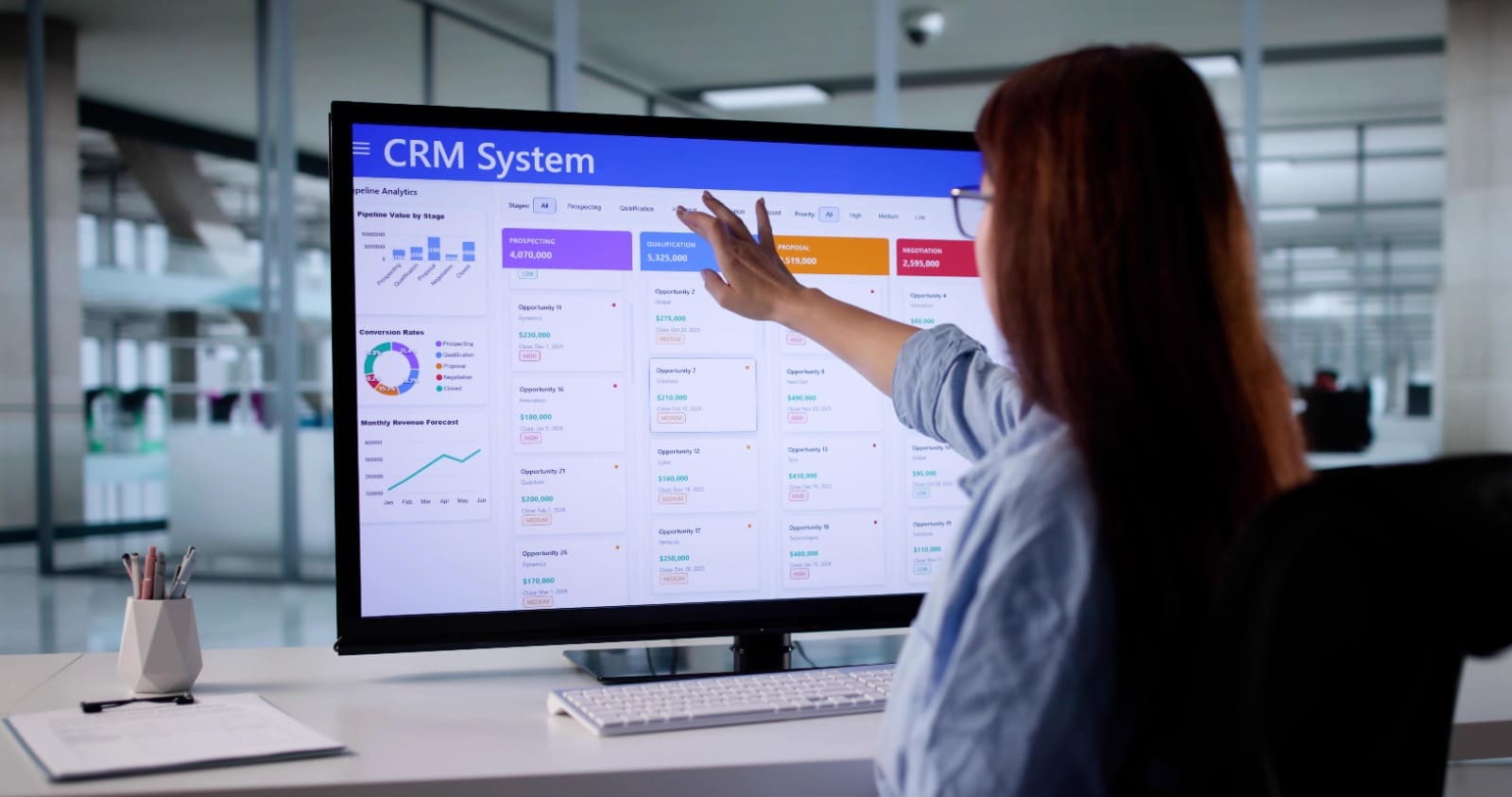
A typical CRM dashboard includes:
Customer master data — contact details, order history, preferences
Lead and enquiry tracking — where each prospect is in your pipeline
Order entry and payment tracking — what's been sold, billed, and collected
Invoice tracking — pending vs. cleared payments
Daily call/follow-up sheets — so no lead goes cold because someone forgot to call
back
The value isn't the software itself. It's that everyone on your team — sales, support, even the
owner — is looking at the same, updated picture of every customer, instead of five different
versions of the truth.
Why CRM Adoption Is Growing So Fast
CRM has quietly become one of the most widely used categories of business software in the
world. Industry research puts the global CRM market at roughly $126.17
billion in 2026, and adoption among companies with ten or more employees is now
estimated at around 91% — a sign that CRM has moved from
"nice to have" to a default business tool.
Small businesses are catching up too, though there's still a real gap. Roughly 71% of small businesses have adopted a CRM system, but that number
drops sharply for the smallest teams — only about half of businesses
with fewer than ten employees currently use one. That gap is exactly where most of
the missed follow-ups, lost enquiries, and "we should really track this better" conversations
happen.
The upside for businesses that do adopt CRM well is significant. Multiple 2026 industry
reports point to sales revenue increases in the 21%–30% range after
CRM implementation, alongside meaningful reductions in customer acquisition
cost — 91% of businesses report lower CAC after adopting CRM, with
roughly half seeing a 11%–20% drop. These are industry-wide figures, not
guarantees for every business — but they explain why CRM keeps showing up on every
serious growth checklist.
It's worth being honest about the flip side too: CRM only works if people actually use it.
Around half of sales leaders report trouble with successful CRM
implementation, and a large share admit their teams don't use the
full CRM toolset available to them. A CRM that's too complex, too generic, or built
for a company five times your size will sit unused. That's a setup problem, not a CRM
problem — and it's the single biggest reason CRM rollouts fail for small businesses.
What This Means for Indian MSMEs
For small and mid-sized businesses in India, CRM comes with a few country-specific
realities worth knowing before you buy anything:
Pricing has to make sense at your scale.
A CRM priced for a 500-person enterprise sales
floor is not built for a 5–10 person team. Look for entry-level plans with transparent, per
user pricing and no hidden charges for exports or support.
GST and local billing matter.
For most Indian small businesses, a CRM is far more useful
when it's connected to quotation and invoicing that already understands GST, HSN/SAC
codes, and e-invoicing — instead of forcing you to maintain two separate systems.
Ease of use beats feature count.
The Asia-Pacific CRM market is growing faster than
almost anywhere else, with a compound annual growth rate of roughly
15.6%, driven heavily by China and India. But growth in adoption doesn't
automatically mean growth in usage — a system your team finds confusing gets abandoned
within weeks, no matter how many features it has.
For a manufacturing unit in Howrah managing enquiries from dealers, or a Kolkata trading
business juggling orders across Burrabazar, the right CRM isn't the one with the most
modules. It's the one your team will actually open every morning.
CRM vs. "Just Using WhatsApp and Excel"
Most growing businesses don't start with no system — they start with an informal one:
WhatsApp for enquiries, Excel for tracking, and phone calls for follow-ups. It works, until it
doesn't.
The cracks usually show up the same way:
A hot enquiry sits unanswered because it got buried under 40 other chats
Two team members follow up with the same customer, or nobody does
There's no record of what was promised to a customer during a call
The owner has no visibility into how many enquiries turned into actual sales
A CRM doesn't replace the relationship-building — it protects it. It makes sure that every
enquiry, quotation, and promise made to a customer is tracked, timestamped, and visible to
whoever needs to see it next.
What to Look for Before Choosing a CRM
If you're evaluating CRM software for your business, a few questions matter more than the
feature list:
1. Can a non-technical team member use it on day one? If it needs a training manual,
adoption will suffer.
2. Does it fit your actual sales process, or does it force you to change how you work to fit
the software?
3. Is pricing transparent and scaled to your team size?
4. Does it connect to billing, WhatsApp, or your website enquiry form, or does it live in
isolation?
5. Is there local support if something breaks or you need help getting your team
onboarded?
That last point matters more than it sounds. A lot of CRM rollouts for small businesses fail
not because the software is bad, but because there's no one to call when the sales team gets
stuck on day three.
How CRM Fits Into the Bigger Automation Picture
CRM rarely works best in isolation. The businesses that get the most out of it usually have
their customer data connected to the rest of their operations — inventory, invoicing, and
reporting — instead of CRM being one more disconnected tool.
This is the gap Trustlytics Consulting works with growing businesses in Howrah and
Kolkata to close. Trustlytics' CRM dashboard — Customer Master, Order Entry, Payment
Entry, Invoice Tracker, and Daily Call Sheet — is built as part of a wider automation system,
alongside inventory, HR, and financial tracking, rather than as a standalone add-on. The
idea is straightforward: a business owner should be able to open one dashboard and see
enquiries, orders, and payments together, without switching between five different tools or
chasing updates from different team members.
Trustlytics works under three pillars — Automate, Build, Market — and CRM sits at the
center of the Automate side: helping local manufacturing units, trading businesses, and
service providers replace scattered tracking with a system that's actually built for how
small teams operate, not scaled down from an enterprise product.
Frequently Asked Questions
Need help improving your Business Automation & growing your business?
HRMS isn't a large-company tool anymore, and the data backs that up — Indian SMEs are
adopting it earlier in their growth cycle than ever before, and the market serving them is
growing accordingly. If attendance-to-payroll mismatches, compliance stress, or scattered
employee records are already a monthly headache, that's usually the signal it's time to stop
patching the problem with spreadsheets.
The businesses that move first aren't necessarily the biggest ones — they're the ones that
decided the manual way was costing more than the switch would.
Our expert team is ready to help you rank higher and get more leads.