legacy-system-modernization-when-to-upgrade
legacy-system-modernization-when-to-upgrade
Every business has that one piece of software nobody wants to touch. Maybe it's an old billing tool built ten years ago, or an inventory system that only works on one particular computer in the corner office. Everyone knows it's slow. Everyone has a workaround. And everyone quietly hopes it survives one more quarter.
If that sounds familiar, you've probably wondered whether it's time for legacy system modernization. The honest answer is: sometimes yes, and sometimes no. Plenty of businesses upgrade too late and bleed money on repairs. Plenty of others upgrade too early and spend lakhs fixing something that was never really broken. This blog will help you figure out which camp you're in.
What "Legacy" Actually Means
Here's something people get wrong: legacy doesn't mean old. A system can be fifteen years old and still do its job beautifully. Another can be three years old and already be a headache.
A system becomes "legacy" when it starts holding your business back. It might be built on technology that nobody supports anymore. It might be so tangled that one small change breaks three other things. Or it might depend on one person who built it and now remembers only half of how it works.
So before you think about legacy software modernization, drop the age question. Ask a better one: is this system helping us grow, or is it making us work harder just to stay in the same place?
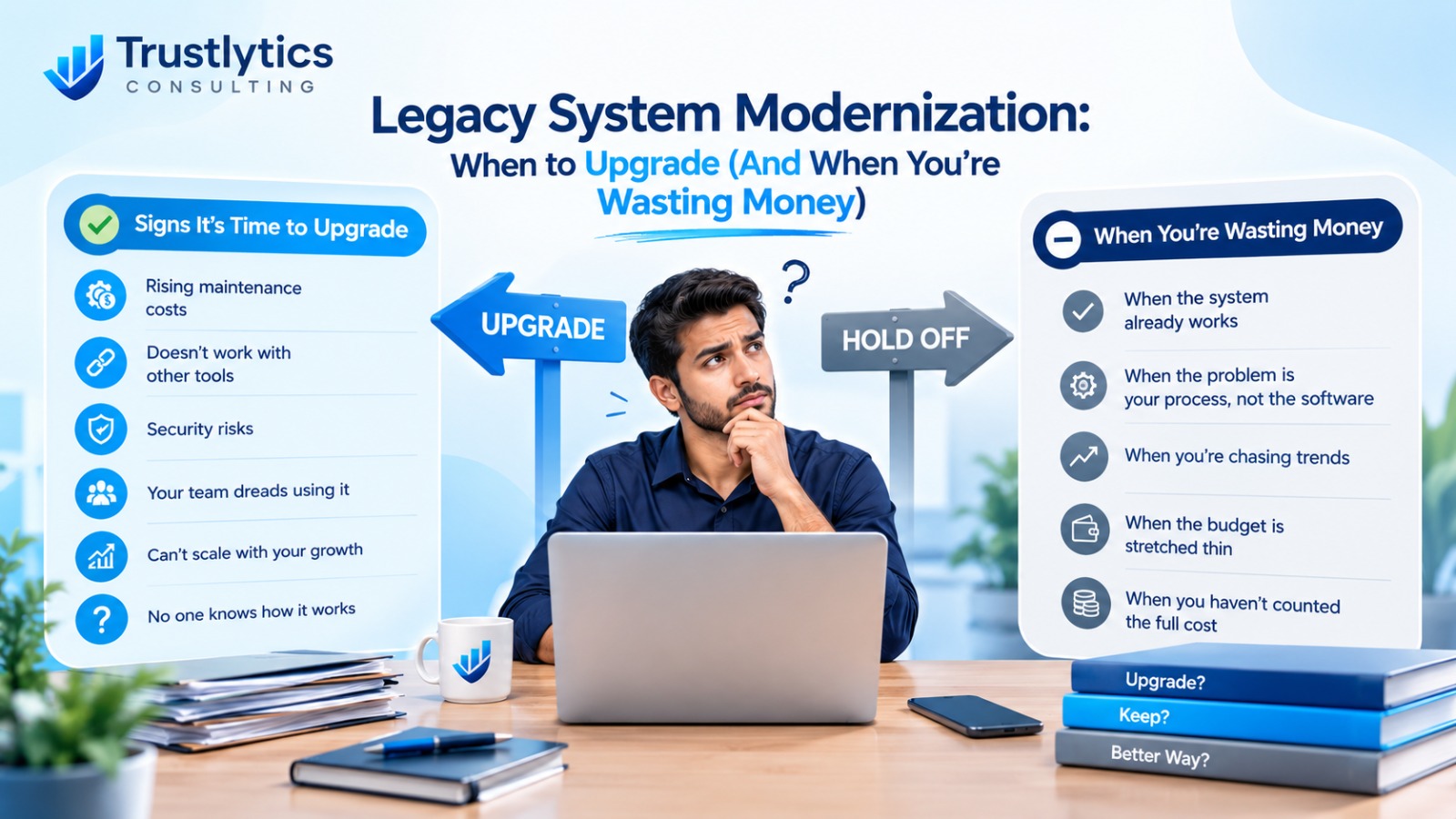
Signs It's Genuinely Time to Upgrade
Let's start with the clear signals. If you're nodding along to several of these, modernization is probably overdue.
Your maintenance bills keep climbing. Fixing the same system again and again is a quiet money drain. If most of your IT budget goes into keeping the lights on instead of building anything new, that's technical debt showing up on your balance sheet. It's like repainting a wall with a leaking pipe behind it. The paint will never hold.
It can't talk to your other tools.Today's businesses run on a mix of apps: accounting, CRM, e-commerce, WhatsApp, payment gateways. If your old system can't connect with any of them, your team ends up copying data by hand. That's slow, it's boring, and it's where mistakes creep in.
Security is a real worry. Old software that no longer gets updates is an easy target. If your vendor stopped patching the system years ago, you're carrying a risk that grows every month. For businesses handling customer data or payments, this alone can justify an upgrade.
Your team dreads using it. This one gets ignored too often. When employees avoid a tool, build side spreadsheets, or need a long training session just to do a basic task, you're losing productivity every single day. Good software should feel easy, not like a puzzle.
You can't scale. Maybe you want to open a second branch, launch an online store, or double your orders. If your system struggles at the current load, growth will break it. Getting stuck because of your own software is the most frustrating kind of stuck.
Nobody knows how it works. If the original developer left and the code has no documentation, you're one resignation or one crash away from a crisis. That's not a system. That's a gamble.
When You're Just Wasting Money
Now the part most agencies won't tell you. Not every old system needs to be replaced, and a lot of money gets burned on modernization that wasn't necessary.
When the system works and nothing is blocking you. If your software does its job, your team is comfortable, it's secure, and it isn't limiting your plans, leave it alone. A shiny new platform won't magically make your business better. It'll just make your bank account lighter.
When the real problem is your process, not your software. Sometimes the tool gets blamed for a messy workflow. If your approval process is confusing or your data entry rules keep changing, a new system will simply carry the same mess into a fancier interface. Fix the process first. You may find the old software was fine all along.
When you're chasing trends. "Everyone is moving to the cloud" is not a business reason. Cloud migration is great when it solves a real problem, like remote access, scaling, or backups. But if your business runs from one office and your system is stable, a full cloud move might add cost without adding value.
When the budget is stretched thin. A half-finished modernization project is worse than no project at all. If you can't fund the work properly, including testing, training, and some buffer for surprises, it's smarter to wait or start smaller.
When you haven't counted the full cost. The new software license is rarely the biggest expense. Data migration, staff training, downtime, and fixing unexpected issues add up fast. If you've only budgeted for the headline number, you're likely underestimating.
Your Options: It's Not Just "Keep It or Replace It"
Many business owners think there are only two choices: live with the old system or throw it all out and start again. In reality, application modernization has several paths, and the right one is often somewhere in the middle.
Rehost (lift and shift). You move the existing system to a new environment, like a cloud server, without changing the software itself. It's the quickest and cheapest route, and it's useful when your main concern is hardware that's getting old.
Replatform. You make small changes so the system runs better on a modern setup, without rewriting everything. Think of it as renovating a house instead of rebuilding it.
Refactor. Developers clean up and reorganize the existing code so it's easier to maintain and extend. It takes more effort than the first two options, but it can give an old system a long second life.
Rebuild. You write the application again from scratch, usually through custom software development. This makes sense when the old system is too tangled to save and your business needs are very different from when it was built.
Replace. You drop the old system and adopt a ready-made product, like a modern ERP or CRM. This works well when your needs are fairly standard and you don't need anything unique.
The trick is matching the option to the problem. If your only issue is slow hardware, rebuilding is overkill. If the code is a maze and your business has changed completely, a quick rehost just moves the mess to a new address.
How to Decide Without Losing Sleep
Here's a simple way to think about it. Put your system through four honest questions.
First, what does it cost to keep? Add up maintenance, support, workarounds, and the hours your team loses. Be honest, because hidden costs count too.
Second, what does it cost to change? Include everything: development, migration, training, and the time your team spends testing.
Third, what does staying put risk? Think about security gaps, lost customers, missed growth, and what happens if the system fails during your busiest week.
Fourth, what does the business need in the next three years? Don't plan only for today. If you're expanding, adding online sales, or automating more work, your system needs to be ready for that, not just for now.
If keeping costs more than changing, or if the risks keep piling up, modernize. If the numbers say the old system is still earning its place, give it a tune-up and revisit the question in a year.
One more tip: don't try to do everything in one big move. The smartest approach is usually phased. Start with the part that hurts the most, prove it works, and then move to the next. This keeps risk low, your team calm, and your budget under control.
A Note for Small and Mid-Sized Businesses
Large corporations have whole IT departments for this. Most MSMEs don't. In a smaller business, the system is often tied to one or two people, and a failed upgrade can stop daily work completely. That's why the decision needs more care, not less.
The good news is that modernization doesn't have to mean a massive, expensive overhaul. Sometimes it's as simple as connecting your old software to a few modern tools, automating repetitive tasks, or moving one slow module to something better. Small, well-chosen changes often bring more value than a dramatic rebuild.
Where Trustlytics Consulting Fits In
At Trustlytics Consulting, we work with small and growing businesses across Howrah, Kolkata, and beyond, helping them make smarter technology decisions. That includes business automation, web development, and the digital marketing that sits on top of it all. And we'll tell you something that surprises people: sometimes our advice is "don't upgrade yet."
We'd rather look at your current setup, understand what's actually slowing you down, and suggest the smallest change that solves the problem. If your system needs a full modernization, we'll plan it in phases so you're never betting the whole business on one big switch. If it needs only a few fixes, we'll say so and save you the money.
That's how technology consulting should work. Honest, practical, and built around your goals, not around selling you the biggest project.
Frequently Asked Questions
Need help improving your Business Automation & growing your business?
Legacy system modernization isn't about having the newest tools. It's about making sure your software supports your business instead of fighting it. Upgrade when the old system is costing you more than it's worth, blocking your growth, or putting your data at risk. Wait when it's working fine and the only push is hype.
The worst decision is the one made out of panic or pressure. Take a clear look at your numbers, your team, and your goals, and the right answer usually becomes obvious.
Not sure where your system stands? Talk to the team at Trustlytics Consulting for an honest review. No jargon, no pressure, just a clear picture of what to fix, what to keep, and what to leave alone.